
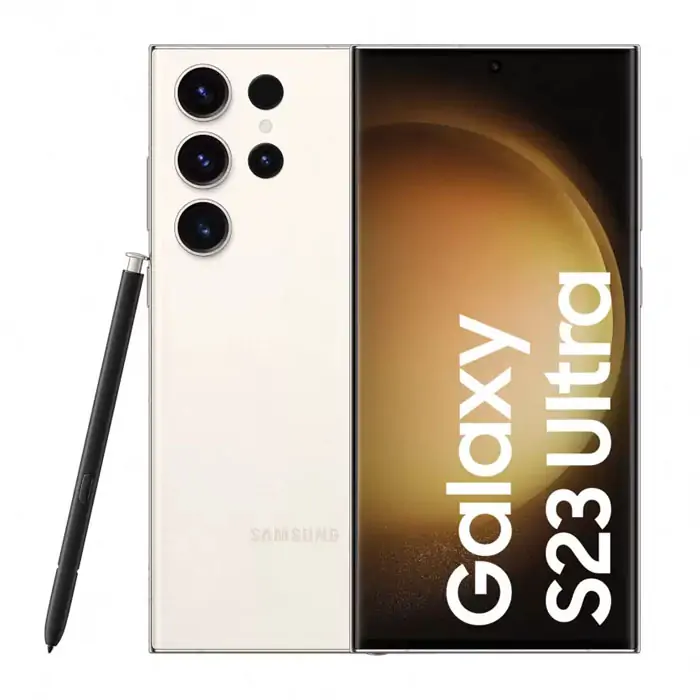
You open the camera on your Samsung Galaxy, but every photograph looks blurry. The preview may shake, refuse to focus on nearby objects, or show an error. Before assuming the camera module is broken, it helps to separate normal camera behaviour from damage or a software fault. Here is a practical guide for Samsung owners in Bentleigh.
Check the camera lens before anything else
A smudged lens cover is a common cause of blurry photographs. Gently clean the exterior using a suitable soft, clean microfiber cloth. Remove any accessory that covers the camera area and check whether the problem persists. A cracked lens cover can expose the camera to dust and moisture, so professional assessment is sensible if the glass is damaged.
Why won’t my Samsung focus on close objects?
Different camera lenses have different minimum focusing distances. If you hold the phone too close, it may not be able to focus sharply. Step back slightly, use the intended macro mode where supported and tap the subject on screen. Low light, motion and digital zoom can also reduce clarity.
Camera shaking or making unusual sounds
Some Galaxy models have optical image stabilisation systems with moving elements. A slight sound when the device moves is not necessarily a fault. However, persistent shaking in the camera preview, failure to focus or unusual sounds combined with poor images can indicate a problem that deserves inspection.
Camera application keeps crashing
If the camera app closes, freezes or displays an error, restart the device and check for system and application updates. If only one camera application fails, the problem may be app-specific. Clear the camera application’s cache only if the procedure is appropriate for your model. Avoid a factory reset before backing up important photographs and documents.
A black camera preview doesn’t always mean a broken camera
Permissions, app conflicts, software errors and hardware faults can all produce a dark preview. If one lens works while another fails, that detail may help a technician narrow the issue. Note whether both front and rear cameras are affected.
What if the camera stopped working after a drop?
Physical impact may affect a lens cover, stabilisation system, module or internal connector. Avoid attempting to press or shake the camera back into place. A professional assessment can determine whether the fault is limited to the camera assembly or involves another component.
Samsung camera repair enquiries in Bentleigh
The founder-managed Bentleigh store is at 319 Centre Road, Bentleigh VIC 3204. Enquire about diagnosis for your Galaxy model and describe which lens and camera mode are affected. For other Samsung issues, see smartphone repair services or our Samsung startup troubleshooting article. You can also request a repair quote.
Frequently asked questions
Why are Samsung photos blurry even after cleaning the lens?
Autofocus, software, low light, physical damage and camera module faults are among the possibilities.
Can a Galaxy camera be repaired without changing the whole phone?
Sometimes. Repairability depends on the specific module and fault.
Does camera shaking mean the stabiliser is broken?
Not automatically. The symptoms and resulting images need assessment.
Can a software update affect the camera?
Software changes may affect application behaviour, but timing alone does not establish the cause.
Where can I get my Samsung camera checked in Bentleigh?
Expert Phone Repairs, 319 Centre Road, Bentleigh VIC 3204.
Need an assessment? request a repair quote with your model and a description of the problem. Availability and pricing depend on diagnosis.